

Learn MS-Office
Get Office-ready with Microsoft Office training at CMIT Institute
Offline / Online / Hybrid
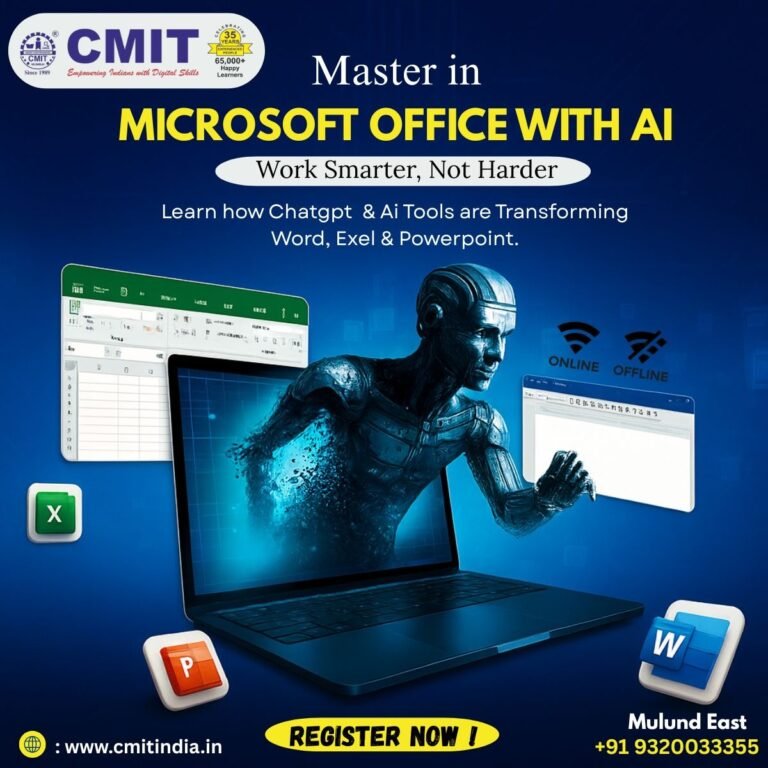
CMIT Institute’s MS Office course provides practical, hands-on training in core Microsoft Office applications—Word, Excel, PowerPoint, Outlook, and Access—plus essential office tools and best practices. Participants gain skills in document creation and formatting, data analysis and reporting, professional presentations, email and calendar management, and basic database tasks to boost workplace productivity. Ideal for beginners and professionals seeking to enhance office skills and confidence.
Quick Enquiry
Gallery



Students Reviews
Posted on GoogleTrustindex verifies that the original source of the review is Google. I've recently completed diploma course in CMIT computer institute , , mulund east and it was really helpful. The course taught me a lot skills in computer. The mentors here are very helpful and understandable.There teaching skills are very goodPosted on GoogleTrustindex verifies that the original source of the review is Google. As being a cmit student all the faculty has helped me to experience a good journey towards the Microsoft World and Tally prime which has enhanced my technical journey.Posted on GoogleTrustindex verifies that the original source of the review is Google. The faculty is very great and supportive the teachers are so good in teaching and plus the doubts are always cleared thoroughlyPosted on GoogleTrustindex verifies that the original source of the review is Google. A very good experience overall. The faculties try their best to make us understand the concept.Posted on GoogleTrustindex verifies that the original source of the review is Google. The institute is good all teaching staff in nice they teach us till we don't understand the concept of the topic Thank you!!Posted on GoogleTrustindex verifies that the original source of the review is Google. Overall experience was good, the Excel teacher teaching style was good, But I would have loved if it was only one group teaching for full 1 hour. But overall good value addition and good value for money. ThankyouPosted on GoogleTrustindex verifies that the original source of the review is Google. I recently completed the Advanced Excel course in CMIT Computer Institute, Mulund East, and it was really helpful! The course taught me a lot of new Excel skills that I can now use for work or personal projects.Posted on GoogleTrustindex verifies that the original source of the review is Google. It was an amazing experience here learning at CMIT , all my doubts were cleared and explained throughly !Posted on GoogleTrustindex verifies that the original source of the review is Google. Very good


Why Learn Microsoft Office ?
Microsoft Office is one of the most widely used office suite software packages in the world.
Microsoft Office applications are designed to enhance productivity.
Microsoft Word allows you to create professional documents and reports, while PowerPoint is ideal for crafting impactful presentations.
Microsoft Excel is a powerful tool for data analysis, calculation, and visualization.
Microsoft Office Level Wise Content
Who Should Learn Microsoft Office ?
Benefits of Microsoft Office
- Microsoft Office is a set of client software, server software, and services produced by Microsoft. Bill Gates announced in Las Vegas on August 1, 1988. Microsoft Office consists of the following programs: Word, Excel, PowerPoint, Outlook, Access, and OneNote are just a few available programs.
- Microsoft organized them into suites because there are so many apps to pick from, and not every user requires them all. As a result, students, home users, small business owners, and huge businesses can benefit from the suite. There’s even one for educational institutions. Depending on what is included, each of these suites has a different price depending.
- Each app has a distinct function and provides exceptional service to its consumers.
- For example, Microsoft Word is used to generate documents. In contrast, Excel is used to store, organize, and manipulate data, PowerPoint is used to produce presentations, and Outlook is used to handle email and calendars.
- Similarly, the capabilities and benefits of Microsoft access are distinct from those of the other apps.
- Many people might ask whether professional training for software that we already use in our daily lives is essential for systematic Microsoft Office training. Most of us are already familiar with Microsoft Office products. Knowing merely the essentials of MS Office, on the other hand, will not set you apart in the job market, and exercising only half of the features in MS Office will not help you develop your career. Let’s look at some of the reasons why you should study MS Office for work.
- If you look at any job posting in any field, you’ll discover that Microsoft Office proficiency is stated as a desired expertise and qualification for all positions. Microsoft Office expertise is, in fact, one of the top three talents sought by companies. So in today’s work market, whether you’re seeking a position in Business Accounting, Office Administration, Project Administration, Sales, or Insurance Advisory, using Microsoft Office products is a must.
- Every established firm requires documentation, data manipulation, and presentation. Word, Excel, and PowerPoint are critical Microsoft Office applications for all types of enterprises. Learning how to use Microsoft Office will make you the most appealing prospect to potential employers regarding job hunting.
- Furthermore, learning how to use MS Office effectively can boost your confidence and efficiency in carrying out your job tasks. Microsoft Office training will help you feel more comfortable with the tools you’ve been given. Professionally training your MS Office abilities improves your organizational productivity and competence, as well as your job satisfaction.
- Microsoft Office is the most widely used professional information exchange and presentation tool in the world. Today, almost all computer-based occupations use it. For those who collaborate on documents at work, there are also tools that shows you how to compare 2 documents to check that everyone is on the same page and that no-one has made any major changes without telling the rest of the collaborators, making your job that much easier. Beginners seeking a Microsoft Office training course should start with the fundamentals and work their way up to the expert level for a piece of better knowledge. Some compelling reasons why MS Office is necessary.
- Develop your digital literacy skills In today’s workplace, it’s assumed that everyone is knowledgeable about digital technology and standard applications. While Microsoft Office and Excel have been around for a while, the latest versions contain additional capabilities and have relocated a few others. By taking a structured course, you will receive a tangible digital certification to demonstrate to present and potential employers that you are fully proficient in Office abilities.
- Find efficient working methods Understanding how to use Excel to take full advantage of shortcuts and tactics that can make actions more efficient and successful is one of the most common problems individuals have with Microsoft products. It includes learning how to utilize vlookups and pivot tables to sort through data and produce usable results — a massive help for any company wishing to analyze sales figures or automate administrative work.
- Improve your time management skills Microsoft training can help you streamline some of your chores and duties, allowing you to save time and improve your performance on specific jobs. Of course, understanding the best ways to work with Microsoft programs can be beneficial in any capacity. Still, if your responsibilities include data visualization, Microsoft training may provide significant insight into using these tools to build excellent graphs that thoroughly explain your intended outcomes. Employers value versatility and the desire to learn new abilities, so taking a Microsoft Office training course can help you demonstrate both. If you only want to improve in one area, look at our whole Microsoft Office training course package or pick a specific subject to focus on.
- Cloud Computing Service Microsoft understands the importance of the cloud. In this field, Office 365 is a fantastic service. Office 365 is a cloud-based service, which means that as long as a user has Internet access, he or she can utilize Office 365 services online. The following are some of the most significant advantages of working in the cloud: Cost-cutting — Once you’re on the cloud, you’ll save money and time by having easy access to your company’s data.
- Mobility — Cloud computing allows for mobile access to company data via smartphones and devices, which is terrific for ensuring that your staff is never left out of the loop.
- Disaster recovery — Cloud-based services provide rapid data recovery in various emergency scenarios, including natural catastrophes and power outages.
- Different Functionality and Support With each new update, Microsoft adds more and better features to its office programs. In addition, the office has substantial and professional help available 24 hours a day, seven days a week, as well as a plethora of online lessons and advice for utilizing MS Office tools.
- The office adds more functionality and complex capabilities with each new update. Microsoft has demonstrated that a bit of trust can go a long way.
- To conclude Most of us deal with presentations, word documents, spreadsheets, and databases daily. When you have a thorough understanding of Microsoft Office, you can design better displays, use more capabilities in Word, Excel, or Access. Therefore, leave your stamp on work in your unique way.
Average Salary For Microsoft Office Professionals
| Job Profile | Average Salary (in LPA) |
|---|---|
| Data Entry Operator | 2.5 Lakhs LPA |
| Customer Care Executive | ₹0.7 Lakh LPA |
| Computer Operator | 2.9 Lakhs LPA |
FAQ"S
The average Ms Office salary ranges from approximately ₹0.7 Lakhs per year for a Customer Care Executive to ₹2.5 Lakhs per year for a Data Entry Operator. Salary estimates are based on 81 Ms Office salaries received from various employees of Ms Office. Ms Office employees rate the overall salary and benefits package 3.2/5 stars.
The highest-paying job at Ms Office is a Data Entry Operator with a salary of ₹2.5 Lakhs per year. The top 10% of employees earn more than ₹5.30 lakhs per year. The top 1% earn more than a whopping ₹13.80 lakhs per year.
Minimum salary at Ms Office depends on the role you are applying for. For Hospital Executive the minimum salary is ₹0.3 Lakhs per year, for Customer Care Executive the minimum salary is ₹0.7 Lakhs per year and so on
According to AmbitionBox, 58% of the Ms Office employees reported a notice period of 15 days or less, 23% reported a notice period of 1 month and the remaining reported other notice period durations. This is based on 52 responses on AmbitionBox in last 2 years.
Affiliations / Authorizations

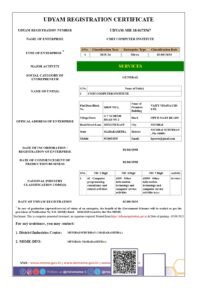
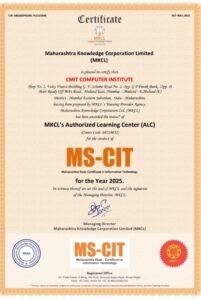

Why Choose CMIT ?

Certified and Experienced Trainers

Weekdays / Weekend Batches Available

Affordable Fees

Small Batch Sizes

Flexible Learning Options

Individual Attention

Free Wi-Fi Facility

Periodical Assessment

Course Completion Certificate

100% Job Assistance